
A cloud based office suite is a collection of writing, spreadsheet, presentation, and collaboration tools that run entirely through a web browser instead of living on one laptop's hard drive. Freelancers, small businesses, and large enterprises now lean on these suites daily to draft documents, manage spreadsheets, and share files without juggling local installs or USB drives. However, not every cloud based office suite treats your data the same way. Some platforms quietly monetize user content through advertising or AI model training, while others — such as AOCyber's Eden Biz — are built so businesses own their data outright.
Quick answer: A cloud based office suite bundles word processing, spreadsheets, presentations, file storage, and collaboration tools into one browser-accessible platform. The strongest options pair real-time editing with real security controls, including encryption, role-based access, and clear data ownership guarantees.
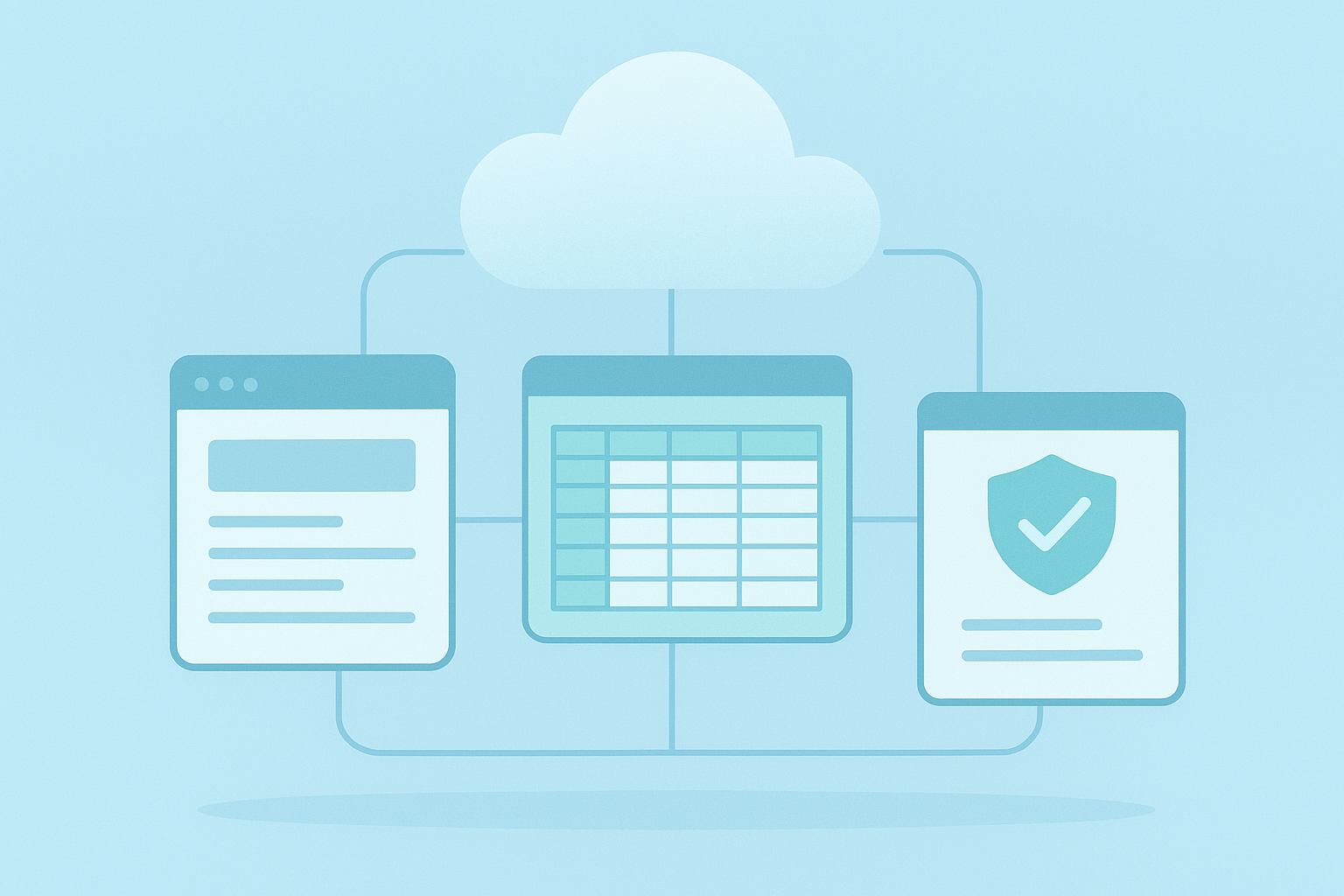
A cloud based office suite combines documents, spreadsheets, and built-in security into one browser-based workspace.
What Is a Cloud Based Office Suite?
A cloud based office suite is, in short, a bundle of productivity applications — usually word processing, spreadsheets, presentations, and file storage — delivered over the internet through a browser or lightweight app. Unlike older desktop software, nothing has to be installed on a local hard drive, and updates roll out automatically in the background.
This model falls under what's often called software as a service, or SaaS, meaning you pay for access to a hosted application rather than owning a physical copy. For example, Microsoft 365 and Google Workspace popularized this approach for mainstream offices, while platforms like Eden Biz extend the idea further by folding document tools into a full business suite that also covers CRM, HR, finance, and inventory on one data layer. According to Wikipedia's overview of office suites, these bundled toolsets trace back to desktop-era products but have steadily migrated to browser-based delivery over the past two decades. Because files live on remote servers instead of a single laptop, teams can open the same spreadsheet from a phone, tablet, or office desktop without emailing attachments back and forth.
Why Companies Choose Cloud Office Software
Businesses switch to cloud office software for a few consistent reasons. First, remote and hybrid teams need documents that update in real time, not static files passed around by email. Second, IT budgets shrink when companies no longer maintain in-house servers for every file.
The National Institute of Standards and Technology (NIST) defines cloud computing as a model for enabling convenient, on-demand network access to a shared pool of computing resources, and that flexibility is exactly what draws small businesses and enterprises alike. For example, a five-person startup can scale its storage and user seats the same month it hires, without buying new hardware. Similarly, a government contractor can add compliance controls as its workload grows, rather than rebuilding its entire office stack. Furthermore, cloud platforms typically back up data automatically, reducing the risk of losing years of client records to a single hard drive failure. As a result, many organizations now treat a cloud based office suite as core infrastructure, not an optional convenience.

Real-time collaboration is one of the biggest reasons teams adopt a cloud office platform.
Core Features of a Modern Cloud Productivity Suite
Not every cloud productivity suite offers the same depth. At minimum, look for these capabilities before committing a team to one platform:
- Real-time co-editing for documents, spreadsheets, and presentations
- Version history so earlier drafts can be restored after mistakes
- Granular, role-based access controls for sensitive files
- Native integration with cloud storage providers such as Google Drive, Dropbox, and OneDrive
- Built-in search across documents, spreadsheets, and knowledge bases
- AI-assisted drafting, summarization, or data analysis tools
In addition, platforms like Eden Biz pair these office basics with CRM, HR, finance, and procurement modules on a single data layer, so a sales contract and its related invoice stay connected instead of living in separate silos. Meanwhile, AOCyber's AODex workspace brings persistent memory and knowledge-base search directly into the writing process, which means a tuned AI persona can reference prior conversations instead of starting from zero every session. If your current workflow depends on connecting file storage across multiple vendors, this guide to cloud file integration across Google Drive, Dropbox, and OneDrive walks through the practical setup steps.
Security and Privacy Considerations in Cloud Document Platforms
Security deserves its own conversation because not all cloud document platforms protect user data equally. Some free tools fund themselves by analyzing customer content for advertising or by training AI models on uploaded files. That trade-off may be acceptable for casual personal use, but it becomes risky once contracts, financial records, or government data enter the picture.
The Cybersecurity and Infrastructure Security Agency (CISA) recommends that organizations evaluate any cloud provider's encryption, access logging, and incident response practices before migrating sensitive workloads. AOCyber's approach, for instance, layers PII tokenization, content guardrails, and jailbreak or prompt-injection detection directly into its AOCore gateway, so the same protections extend across AODex, Eden Biz, and connected AI models. For organizations working with the Department of Defense or Intelligence Community, AOCyber also offers an IL5-deployable version of AOCore with CNSA 2.0 post-quantum cryptography and CMMC Level 3 alignment, including air-gapped and SCIF-capable deployments. Therefore, before choosing any cloud based office suite, it's worth asking a vendor directly whether customer content is ever used for model training or advertising, since the answer varies widely across the market. You can review AOCyber's own approach at aocyber.ai for comparison.
How to Set Up a Cloud Based Office Suite in 6 Steps
Rolling out a new cloud based office suite does not have to disrupt daily work if the migration follows a clear sequence. Below is a practical path many small teams and IT departments follow.
- Audit existing files and accounts — List every document, spreadsheet, and shared drive currently in use so nothing gets lost during the transition to the new platform.
- Choose a suite that matches your data policy — Compare vendors on storage limits, collaboration tools, and, importantly, whether they monetize or train models on your content.
- Migrate files in batches — Move folders by department or project rather than all at once, which keeps support requests manageable and reduces downtime.
- Set role-based permissions — Assign editor, viewer, and admin access based on job function before inviting the full team, not after everyone is already working inside the platform.
- Connect existing storage and apps — Link accounts like Google Drive, Dropbox, or OneDrive so legacy files remain searchable inside the new workspace.
- Train the team and monitor adoption — Run a short onboarding session and check usage logs during the first month to catch confusion early.
For a closer look at exporting work once your workspace is live, this guide on saving and organizing a workbook shows how persistent storage behaves inside AODex specifically.

Encryption and access controls behind the scenes are what actually protect a cloud based office suite's data.
Comparing Cloud Based Office Suites: Eden Biz vs Traditional Platforms
Mainstream suites like Google Workspace and Microsoft 365 excel at document editing and calendars, but they generally stop there. A business still needs separate software for invoicing, inventory, or HR tracking.
Eden Biz, by contrast, is built as an AI-native business management suite that folds document creation into 20-plus modules covering CRM, HR, finance, projects, inventory, procurement, and document management, all on one data layer. For example, a generated proposal in Eden Biz can pull live client data straight from the CRM module instead of requiring someone to copy figures from a separate finance tool. If document drafting is the main pain point today, this walkthrough on AI-powered document generation shows how chat-based prompts turn into finished files inside the platform. Teams that want the broader approach can explore Eden Biz directly, or start with the AODex workspace overview to see how persistent memory and tuned personas support day-to-day writing before adopting the full business suite. Pricing for these platforms is typically tiered by seat count and module access, so it's worth requesting a demo that matches your team's actual workflow rather than a generic feature list.
Frequently Asked Questions About Cloud Based Office Suites
What is a cloud based office suite?
A cloud based office suite is a bundle of web-delivered productivity tools — typically word processing, spreadsheets, presentations, and file storage — accessed through a browser instead of installed locally. Files sync automatically across devices, and updates happen in the background without manual installs.
How does a cloud based office suite differ from traditional desktop software?
Traditional desktop software lives on one computer's hard drive, while a cloud based office suite stores files on remote servers accessible from any device. As a result, collaboration happens in real time rather than through emailed attachments.
Why do businesses switch to a cloud productivity suite?
Businesses switch mainly for remote accessibility, lower IT maintenance costs, and automatic backups. In addition, scaling storage or user seats up or down becomes far simpler than managing physical servers.
How much does a cloud based office suite typically cost?
Pricing usually depends on seat count, storage limits, and feature tiers, ranging from basic per-user plans to enterprise contracts with dedicated infrastructure. It's best to request a demo that reflects your team's actual module needs rather than relying on list pricing alone.
How long does it take to migrate a team to a cloud office platform?
A small team can often migrate within a few days by moving files in batches and training staff gradually. Larger organizations with complex permissions may take several weeks to fully transition.
What security features should a cloud document platform include?
Look for encryption in transit and at rest, role-based access controls, detailed activity logs, and clear policies on whether customer content is used for advertising or AI training. Government or defense users should also check for standards alignment such as CMMC.
Can a cloud based office suite work without an internet connection?
Many cloud office platforms offer limited offline editing that syncs once connectivity returns, though full functionality generally requires an active connection. Air-gapped or self-hosted deployments are an exception built specifically for disconnected environments.
What's the difference between a cloud based office suite and cloud storage?
Cloud storage simply holds files remotely, while a cloud based office suite adds the applications needed to create, edit, and collaborate on those files. Storage providers like Dropbox or OneDrive are often integrated into a broader office suite rather than replacing it.
What common mistakes happen during cloud office migrations?
Common mistakes include migrating all files at once instead of in batches, skipping staff training, and failing to set role-based permissions before granting full team access. These shortcuts usually create confusion and support tickets after launch.
Is Eden Biz a good alternative to Google Workspace or Microsoft 365?
Eden Biz suits teams that want document tools combined with CRM, HR, finance, and inventory on one data layer, rather than juggling separate software for each function. Google Workspace and Microsoft 365 remain strong choices for teams that only need core document and calendar tools.
Do cloud based office suites train AI models on customer documents?
Some providers do use uploaded content to train AI models or serve targeted advertising, which is worth asking about directly before signing up. AOCyber, for example, runs AODex on AI it hosts itself rather than routing customer content through third-party model providers for that workspace.
What's the best practice for assigning permissions in a cloud office suite?
Assign editor, viewer, and admin roles based on job function before inviting the full team, rather than granting broad access by default. Reviewing permissions quarterly also helps catch outdated access as staff roles change.
Can government agencies use a cloud based office suite?
Yes, though agencies and defense contractors typically need additional controls such as post-quantum cryptography, CMMC alignment, and air-gapped or SCIF-capable deployment options. Standard commercial office suites rarely meet these requirements without a government-grade configuration.
Final Thoughts
Choosing a cloud based office suite ultimately comes down to two questions: does it help your team work together smoothly, and does it protect your data while doing so? Mainstream platforms handle the first question well, but they don't always answer the second with the same confidence. Consequently, it's worth comparing how each vendor treats encryption, permissions, and model training before migrating a single file. Platforms built around data ownership, like Eden Biz and AODex from AOCyber, show that a cloud based office suite can deliver modern collaboration and AI-assisted writing without quietly trading customer content for lower prices. Whichever platform you choose, start with a small pilot group, confirm its security posture in writing, and scale the rollout from there.

